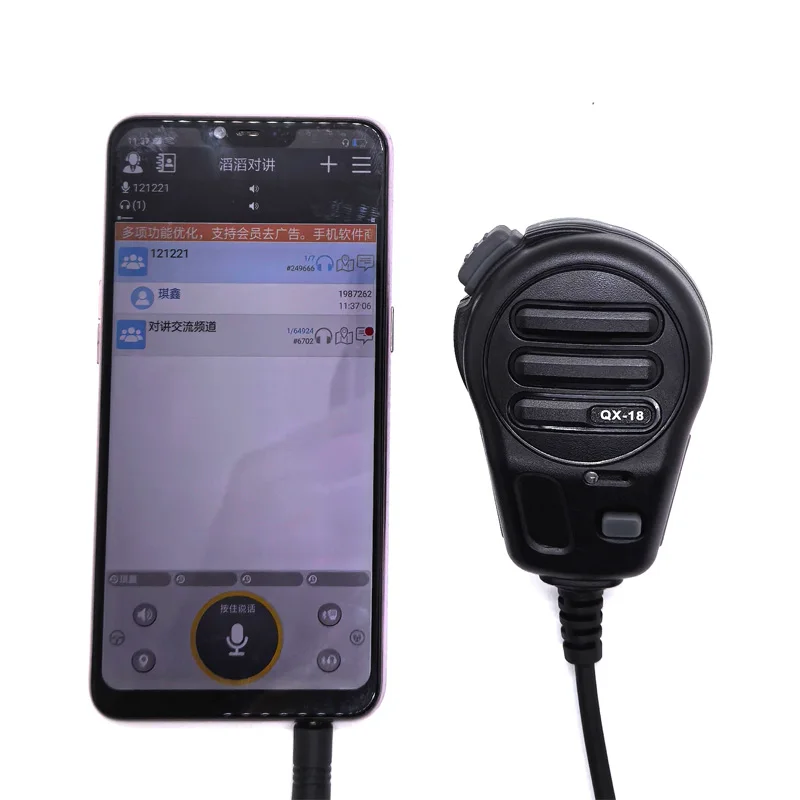
QX18 Active 3.5mm PTT Handheld Shoulder Speaker Microphone for Zello App – Push‑to‑Talk Mic for Smartphones
Turn your smartphone into a walkie‑talkie with the QX18 Active PTT Shoulder Speaker Microphone for the Zello app. Built‑in rechargeable battery, loud speaker, and one‑press Push‑to‑Talk. For mobile phones only via 3.5mm audio jack (USB‑C phones require a compatible adapter).
Product Overview
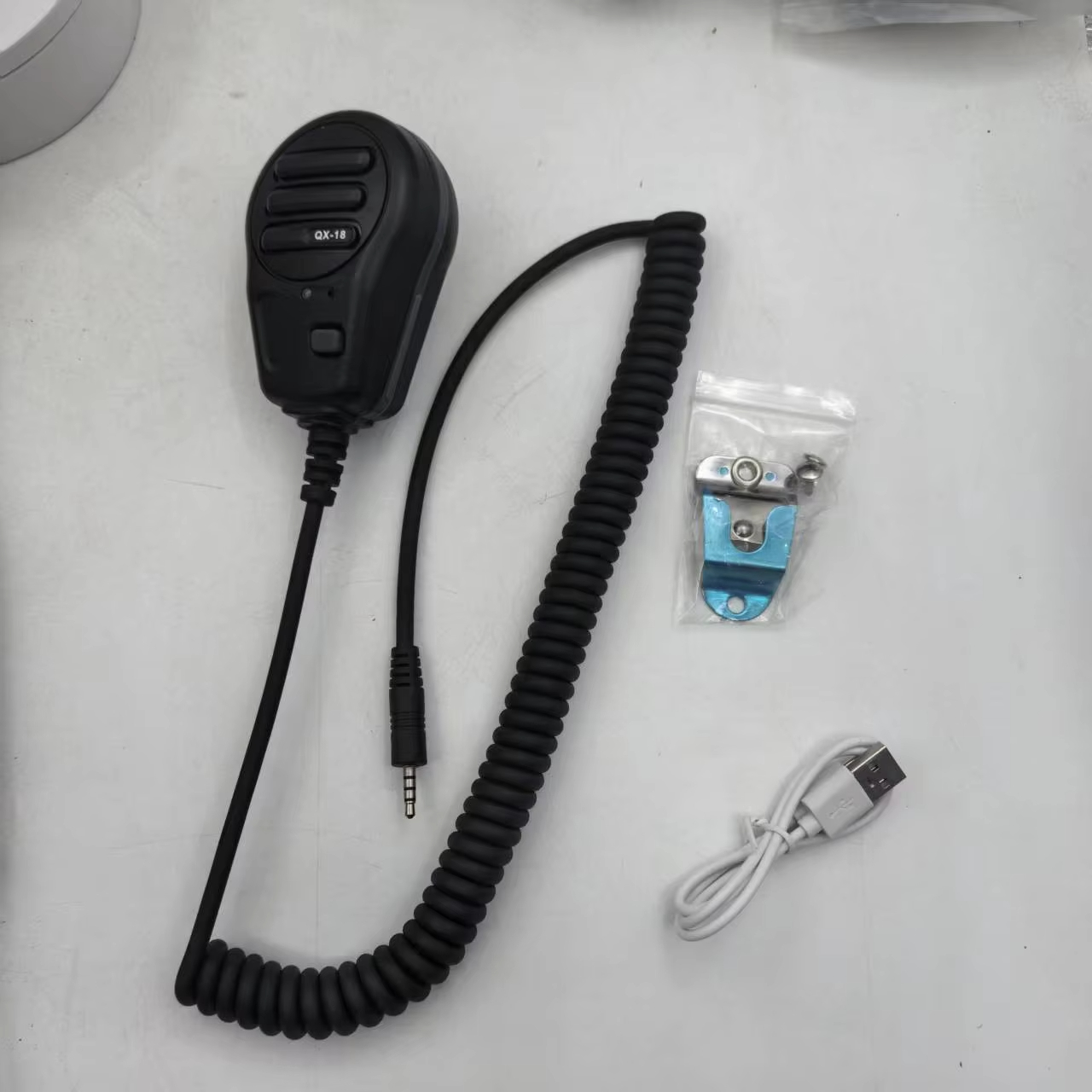
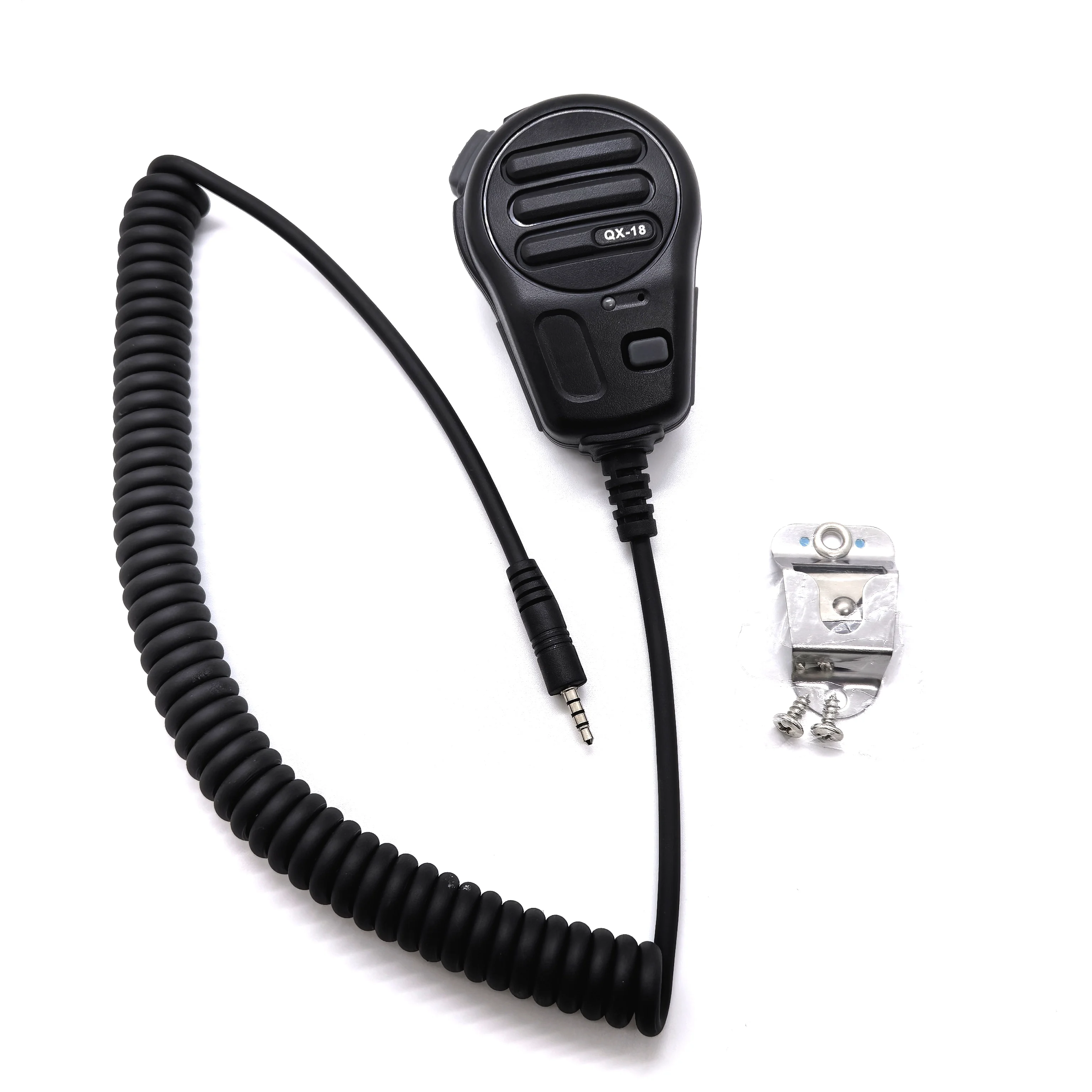
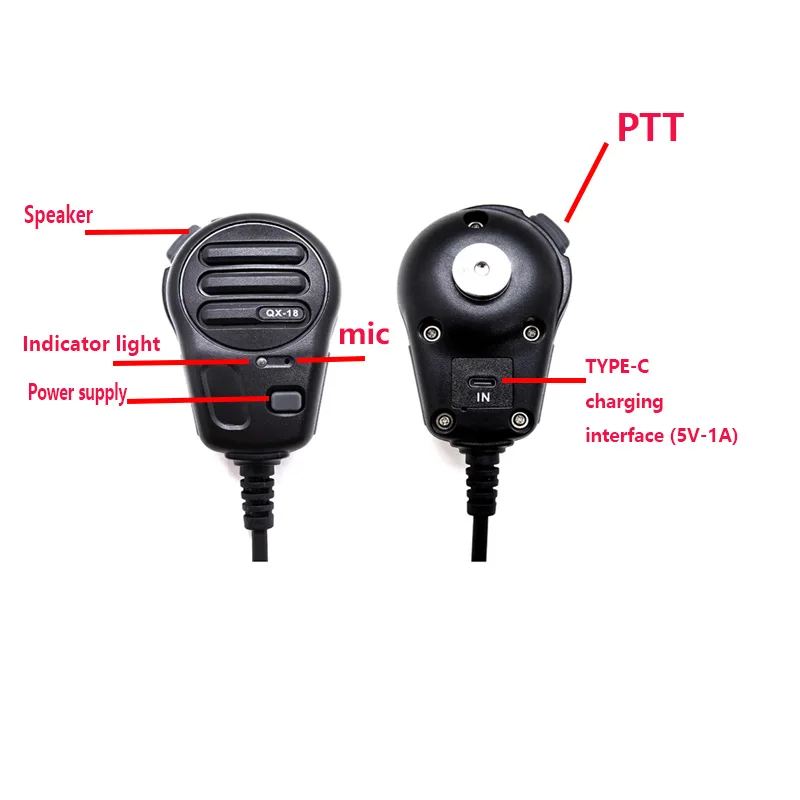
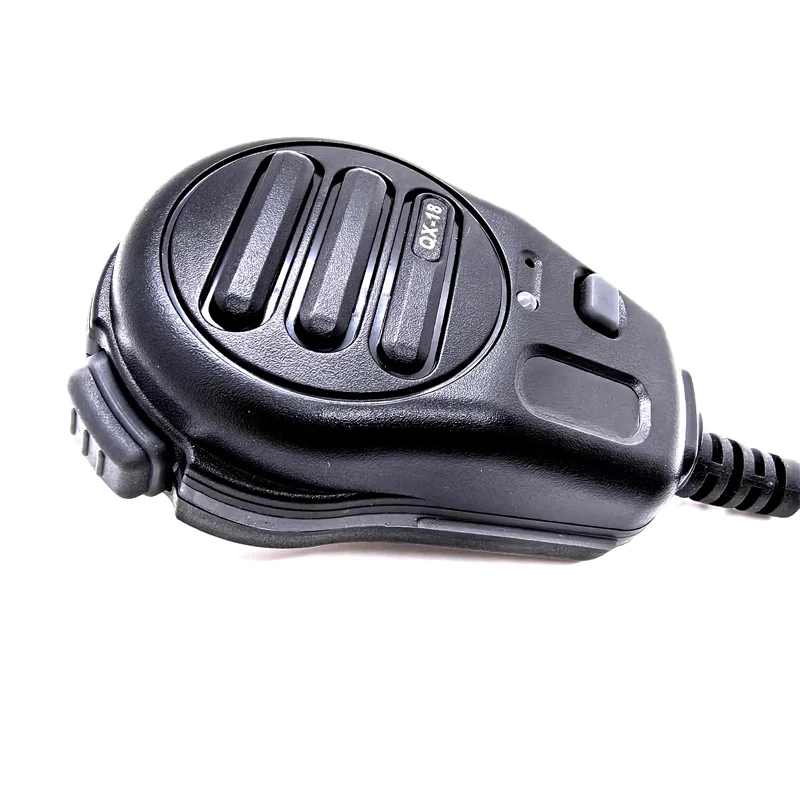
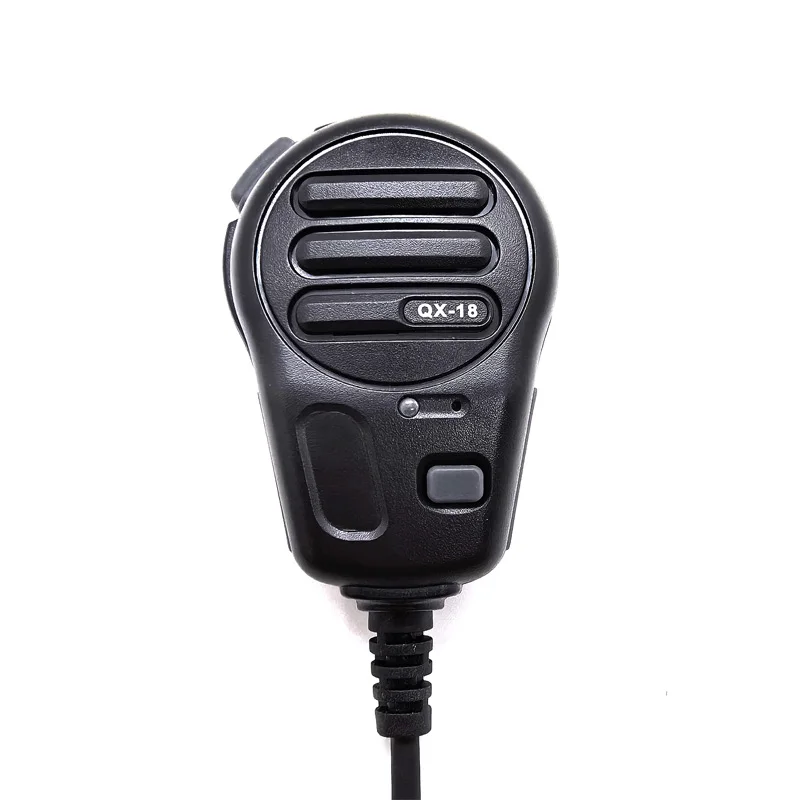
The QX18 is an active handheld shoulder speaker microphone designed for mobile phones running the Zello Walkie Talkie App. It features a built‑in battery (Type‑C charging), LED status indicators, and a dedicated PTT button for fast, clear communication.
Important Compatibility Notice
- Works with: Mobile phones using a 3.5mm audio jack (TRRS headset interface).
- USB‑C phones: Require a USB‑C to 3.5mm adapter that supports microphone input (often a digital DAC chip adapter).
- Does NOT work with: Two‑way radios (Baofeng/Kenwood/Motorola, etc.), PCs, or other non‑phone devices.
Key Features
- Push‑to‑Talk (PTT): Hold the transmit button to talk instantly in Zello
- Active microphone: Built‑in battery power for stable performance
- LED status lights: Clear indication for standby / transmit / low power / charging
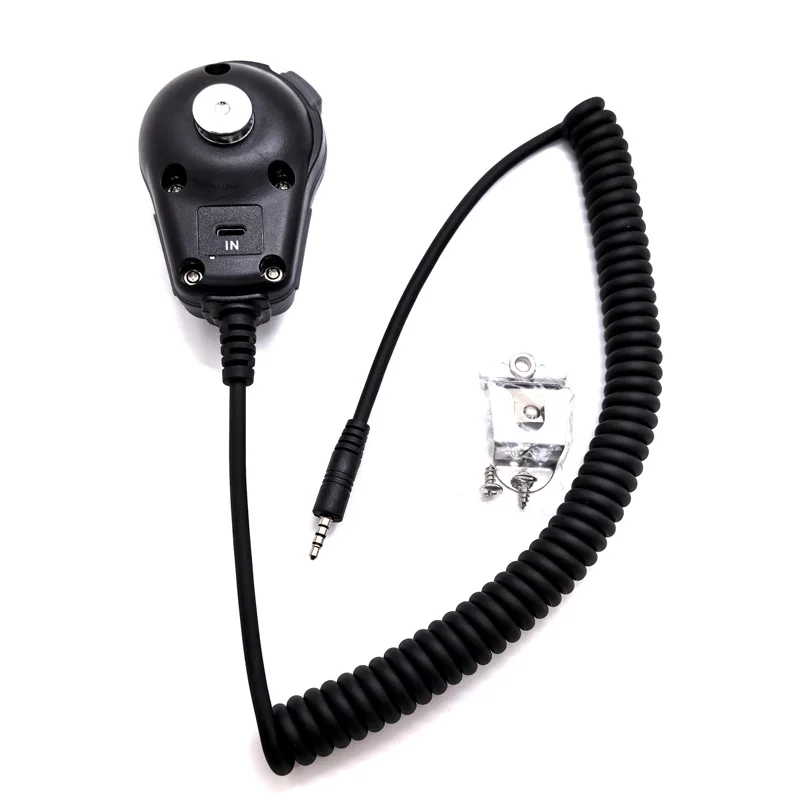
- Type‑C charging: Convenient recharge with common USB‑C cable
QX18 Instructions (Mobile Phone – Active)
- Power Button: The black button on top is the power switch.
- Standby Mode: After powering on, the LED “traffic light” blinks = standby.
- Connected: Plug into the phone; the blinking light turns off = connected.
- Transmit (PTT): Hold the transmit button to speak; red light stays on while talking and turns off when released.
- Low Battery: Red + green flashing = low power. Power off and charge via Type‑C.
- Charging Status: Red light = charging; Green light = fully charged.
USB‑C to 3.5mm Adapter Note (Very Important)
Some USB‑C to 3.5mm adapters only handle certain signal types.
- The included/standard Type‑C to 3.5mm cable may be an analog audio parsing module and does not convert digital signals.
- Because phone models vary, we can’t guarantee whether your phone needs analog or digital adapter mode.
- If the QX18 does not work on a USB‑C phone: Replace the adapter with a USB‑C to 3.5mm adapter with a digital DAC chip (microphone supported).
Quick Compatibility Test (Before You Buy / Troubleshooting)
Test with a regular wired headset (with an in-line button):
- If pressing the headset button can trigger PTT/controls in your app, your phone + adapter likely supports the correct headset/mic input.
- The headset button and QX18 PTT button are different physically, but the function definition is similar—if the headset works, the QX18 should work too.
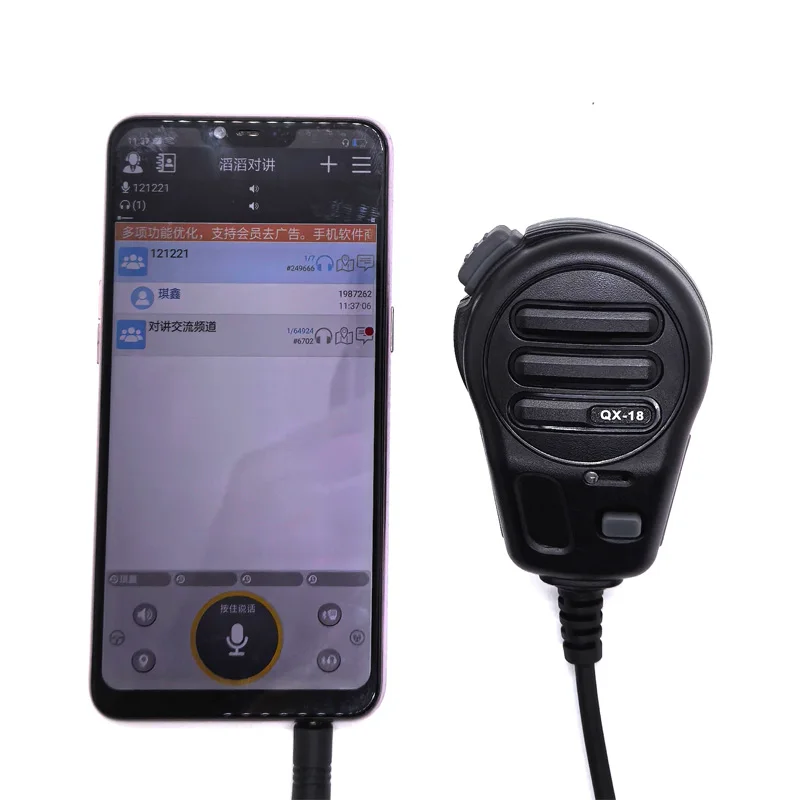
3.5mm Type -C
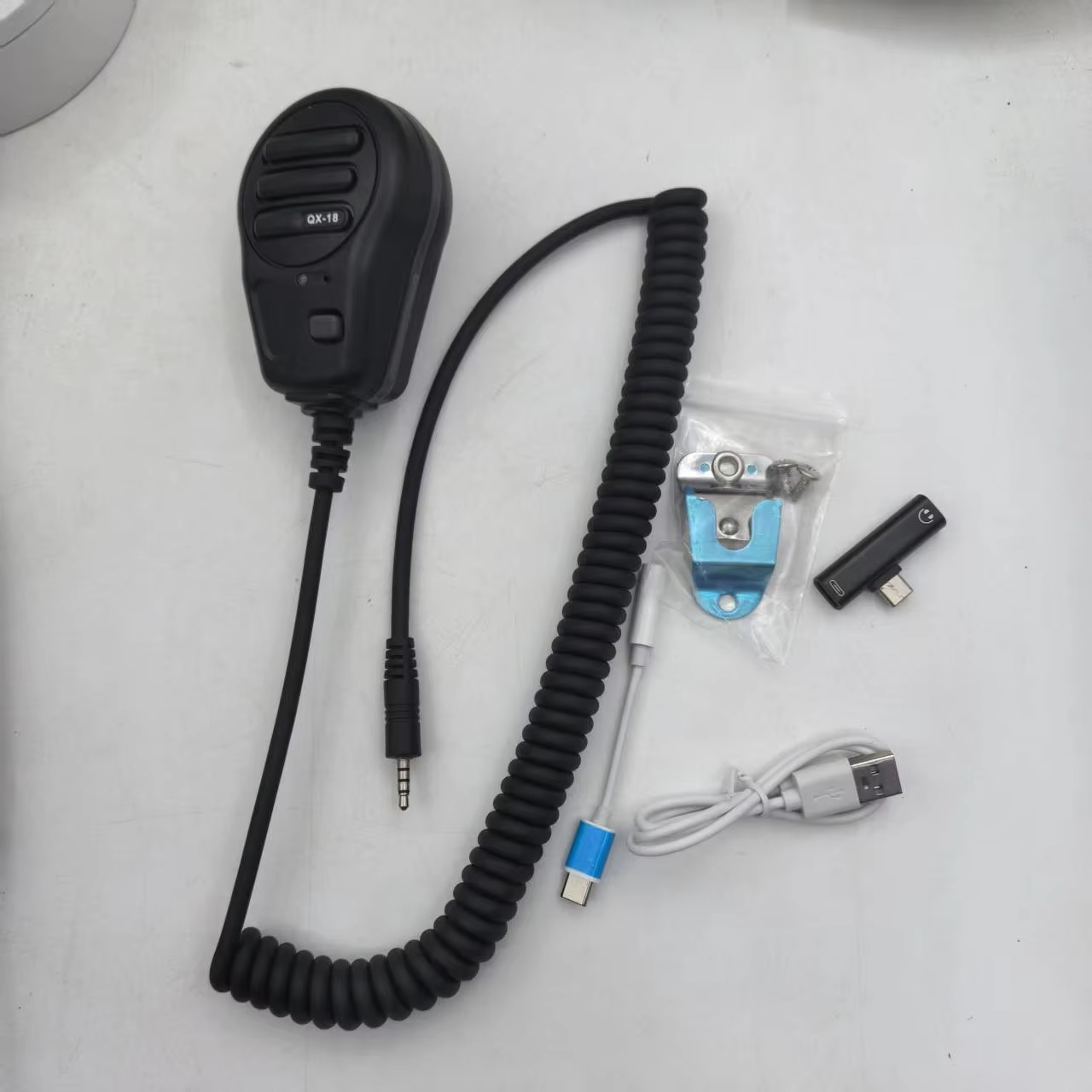
3.5mm Type-C
FAQ
Q: Is QX18 compatible with two-way radios (Baofeng/Kenwood/Motorola)?
A: No. QX18 is designed for mobile phones with Zello via 3.5mm interface.
Q: Will it work on USB‑C phones without a headphone jack?
A: Yes, if you use a USB‑C to 3.5mm adapter that supports microphone input (often a DAC chip adapter).
Q: How do I know if my USB‑C adapter is compatible?
A: Test a wired headset with an in-line button. If the button works as expected, the adapter likely supports headset/mic input and QX18 should work.
Q: What do the LED lights mean?
A: Blinking = standby; light off after plugging in = connected; red on while holding PTT = transmitting; red+green flashing = low battery; red = charging; green = fully charged.
Q:Does this mic work with Zello APP?
A: Yes, it is specifically engineered for Zello PTT communication on mobile phones
Q:Can I use it on non-mobile devices?
A: No, this accessory is exclusive to mobile phones
Q: How do I know if my Type-C phone needs a digital adapter?
A: Test with a regular headset: if the headset’s button controls Zello PTT, our mic will work with a digital chip adapter